Basic Printing Setup Canon Pixma Inkjet Print
This section describes settings on the Quick Setup tab used for basic printing.
-
Check that printer power is on
-
Load paper in printer
-
Open printer driver's setup screen
-
Select frequently used settings
On the Quick Setup tab, use Commonly Used Settings to select from predefined print settings.
When you select a print setting, the settings for Additional Features, Media Type, and Printer Paper Size automatically switch to the predefined values.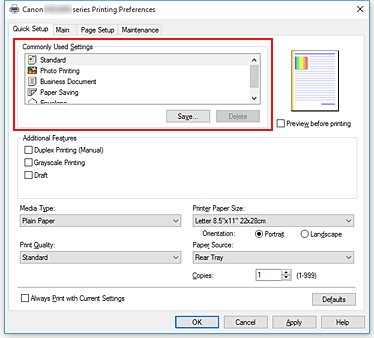
-
Select print quality
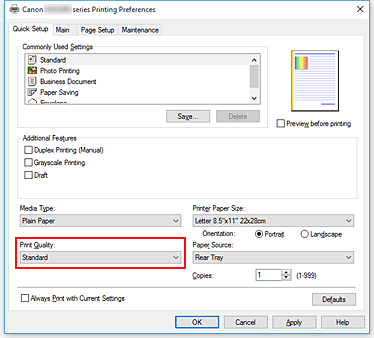
For Print Quality, select from High, Standard, or Draft.
 Important
- The print quality selections will differ depending on which print setting you select.
-
Click OK
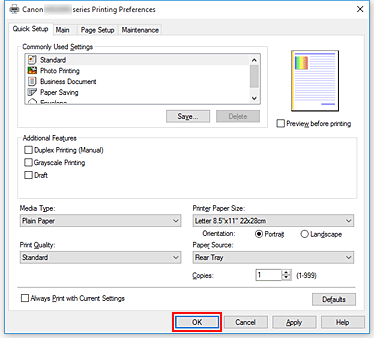
The printer will now print using these settings.
Important
- When you select Always Print with Current Settings, the settings on the Quick Setup, Main, and Page Setup tabs are saved, and those settings are used in subsequent printings.
- To register the current settings as a new preset, click Save... under Commonly Used Settings.
https://ij.manual.canon/