Printing from Smartphone/Tablet : Using Canon Pixma Inkjet Print/MAXIFY Cloud Link
-
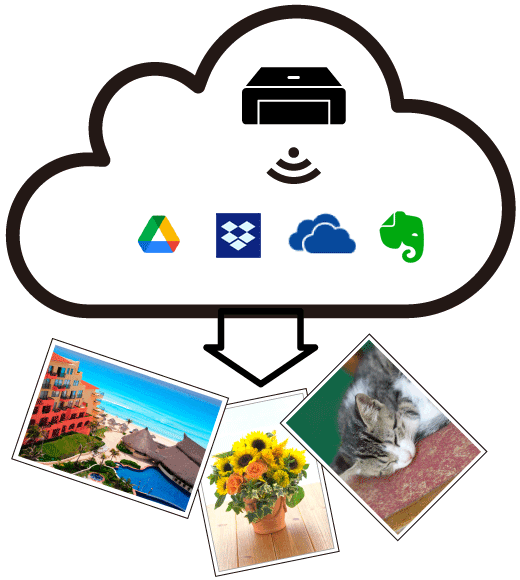
 The PIXMA/MAXIFY Cloud Link allows you to link with the various cloud services and print photos and documents from SNS or the photo sharing site.
You can also use various functions, such as saving scanned images to a data storage service, without having to use your computer.
 From your printer
Use it right away without having to register user information! From your smartphone, tablet, or computer
The free Canon PRINT Inkjet/SELPHY app makes using your printer even easier!

- In certain countries, PIXMA/MAXIFY Cloud Link may not be available or the available apps may be different.
- Some apps require that you have an account before you use those apps. For such apps, please set up an account beforehand.
- The screen display may change without prior notice.
https://ij.manual.canon/